 Meetzy Super Admin
3. Page Management Module
1. Pages List View
The Pages table displays every static or informational page with columns for title, slug, status, created-at, and quick actions. Each row also shows locale/device badges so Super Admins immediately see where the page is live. Clicking a title anywhere in the row opens a read-only preview drawer with rendered content, SEO metadata, and a link to the public URL.

2. Page Title & Preview
Selecting the title or preview icon surfaces the side panel where admins can verify layout, check localization variants, copy the live link, or jump directly into edit mode for deeper changes.
3. Slug Management
The slug chip beside the title is inline-editable: tapping it reveals a small input that enforces uniqueness and alerts the admin if the new slug conflicts with an existing route, ensuring clean URLs and proper redirects.
4. Status Controls
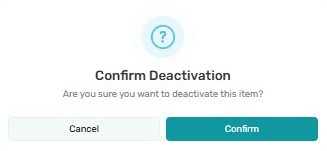
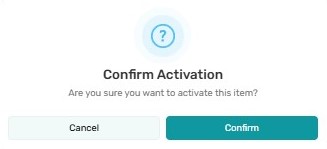
Status badges (Draft, Published, Archived) act as toggles. When clicked, a modal summarizes the downstream impact (“This page will disappear from the Help Center”) and only after confirmation does the status update. Bulk status changes become available when multiple pages are selected.
5. Created At & Audit Details
The “Created At” column shows absolute timestamps plus a relative “updated X days ago” badge. Hovering reveals the last editor’s name, enabling quick freshness audits before compliance reviews.
6. Actions Menu
-
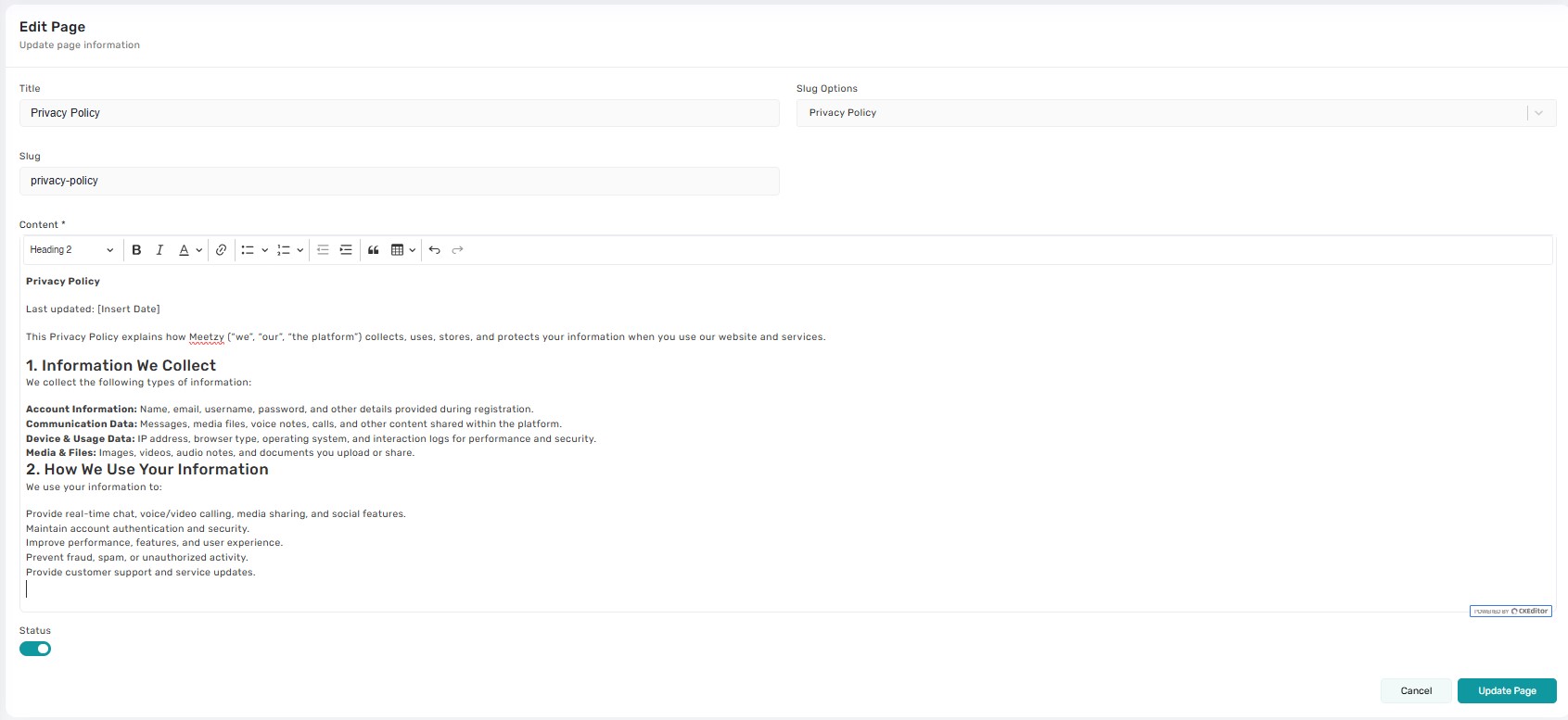
Edit :Opens the Page Form where admins adjust content blocks, hero media, SEO tags, scheduling, and localization rules.
Duplicate: Instantly clones the page into a draft with all sections prefilled (slug gets “-copy” until edited).
Delete:Triggers a guarded confirmation dialog explaining whether the page will be archived or permanently removed and optionally captures an audit note.
Key Points
-
- Every destructive or status-changing action requires explicit confirmation to prevent accidental publishes/removals.
-
- Toast notifications report success or failure after each action.
-
- Draft pages remain invisible to end users until published.
-
- Duplicated pages inherit SEO metadata but keep analytics separate once published.
-
- Deleting a page removes it from navigation, but restoration is possible through backend backups if needed.
What's Next?
Let’s get started — your team’s new home is Meetzy Chat!

