 Meetzy Super Admin
6. Stickers Management Module
1. Sticker Pack List View
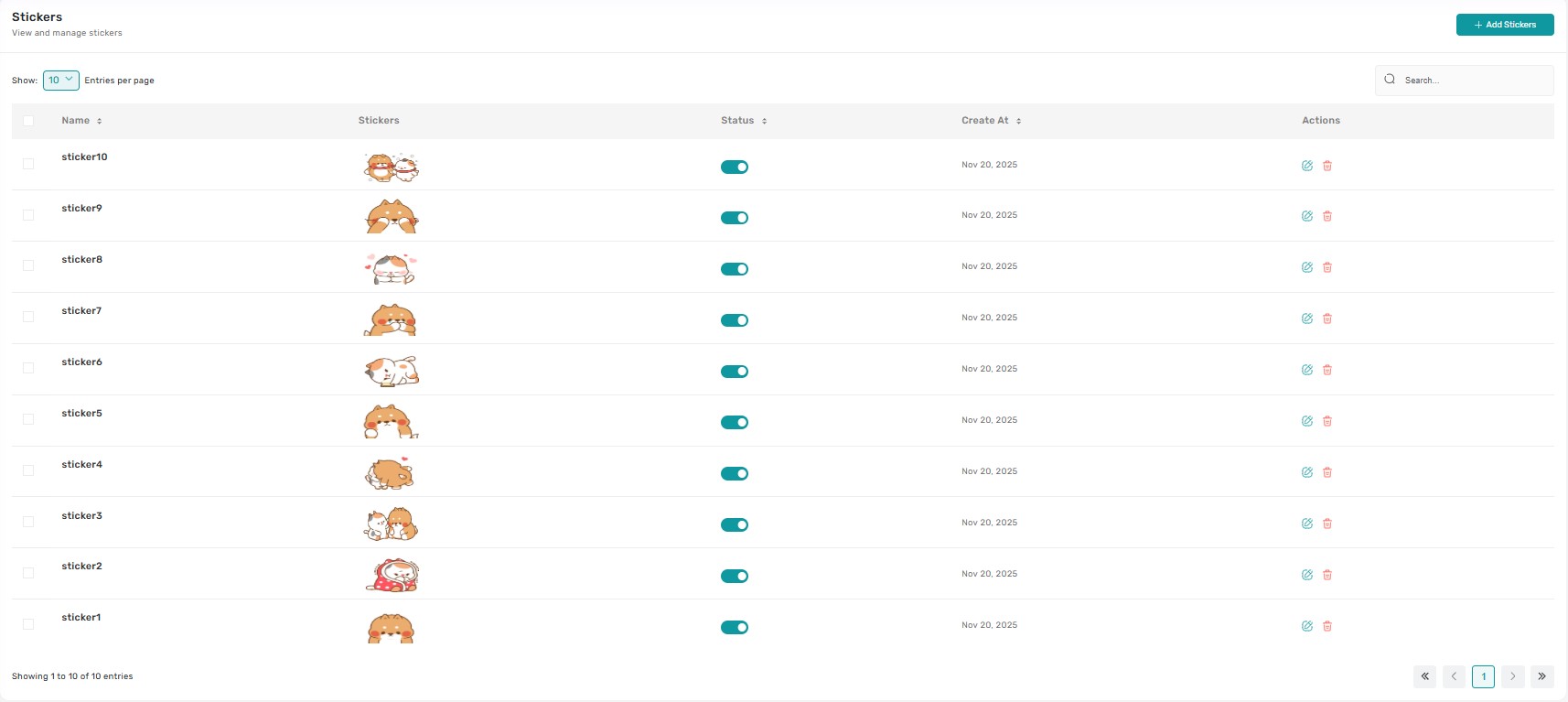
The Stickers table lists every sticker pack with columns for pack thumbnail, name, total stickers, category, status, and quick actions. Selecting a row (outside the action icons) opens a drawer that displays all stickers in the pack, their order, and availability (free/premium) so admins can review content before making edits.
2. Status & Availability Controls
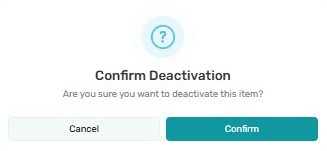
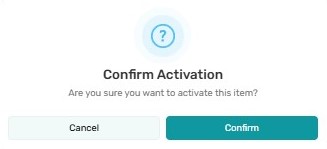
Each pack has a status badge (Draft, Live, Archived) plus an optional monetization tag. Clicking the badge opens a confirmation modal explaining whether the pack will appear in the end-user sticker picker. Bulk status changes are enabled when multiple packs are selected, simplifying seasonal launches.
3. Add / Edit Sticker Pack
The “Add Sticker Pack” button and the Edit icon route to the Stickers Form. Super Admins can upload individual sticker files, set pack metadata (name, category, description), define ordering, and choose premium/free availability. Saving publishes or keeps it in draft based on the selected status.

4. Manage Individual Stickers
Within the edit view or drawer, admins can reorder stickers via drag-and-drop, replace artwork, or flag specific stickers for removal. Each change auto-saves the position and updates the pack preview instantly.
5. Duplicate Pack
The Duplicate action clones an entire pack—including metadata and sticker assets—into a new draft so admins can experiment with variations (e.g., recolors, language-specific text) without rebuilding from scratch.
6. Delete / Archive Pack
Deleting a pack triggers a guarded dialog that clarifies whether it will be archived (hidden but recoverable) or permanently removed. Confirmations are required, and a toast notification confirms completion. Bulk delete works via multi-select checkboxes for rapid cleanup.
Key Points
-
- Preview drawers let admins inspect every sticker before editing or publishing.
-
- All publish/archive/delete actions require confirmation and emit toast notifications.
-
- Draft packs are hidden from users until explicitly set Live.
-
- Duplicate accelerates variant creation without re-uploading assets.
-
- Metadata and ordering changes are reflected immediately in the table once saved.
What's Next?
Let’s get started — your team’s new home is Meetzy Chat!


